Add Windows
Cut windows into walls in the style you pick
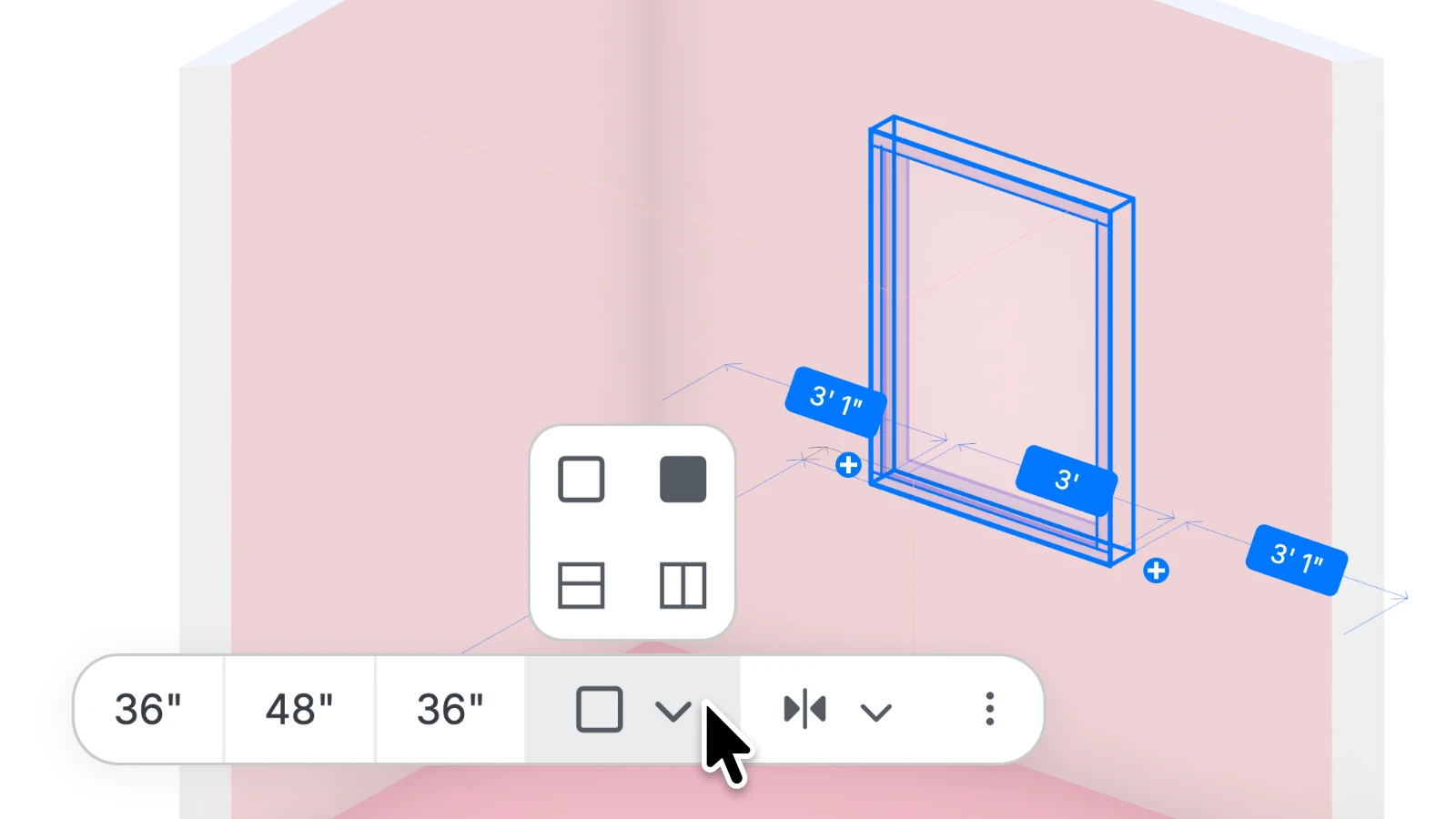
Showing a client which spaces get daylight? Even if your client mixes fixed and sliding windows, now you can set the style of each window, so your client judges daylight space by space.
Here’s how it works:
- Click Window in your toolbar
- Click a wall where light should enter
- Set Style on the selection toolbar
Get an opening set into your wall
- Sill height is set per window
- Comes into Revit ready to swap for your families