Move with Arrow Keys
Nudge selected elements precisely with arrow keys
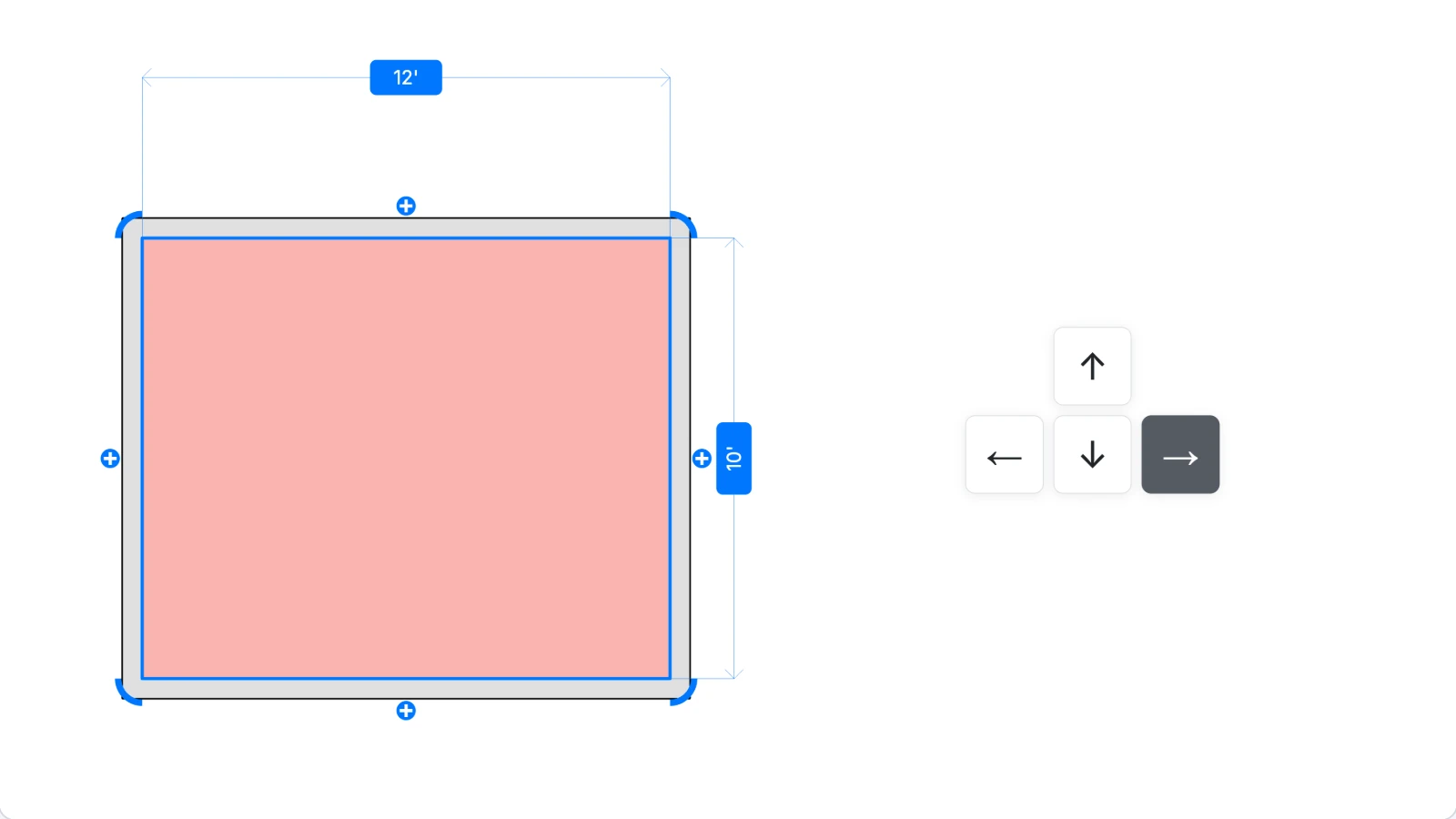
Closing a small gap between a desk and a wall? Even if the gap is an inch, now you can nudge the desk with an arrow key, so the desk stops at the wall instead of overshooting.
Here’s how it works:
- Select spaces or furniture
- Press an arrow key to move one step
- Add Shift for a bigger step
Get small moves that land where you aim
- Zoom in to make each step smaller
- Nudge text, images and tables on a PDF page the same way