Select with Window
Select many spaces by dragging a window
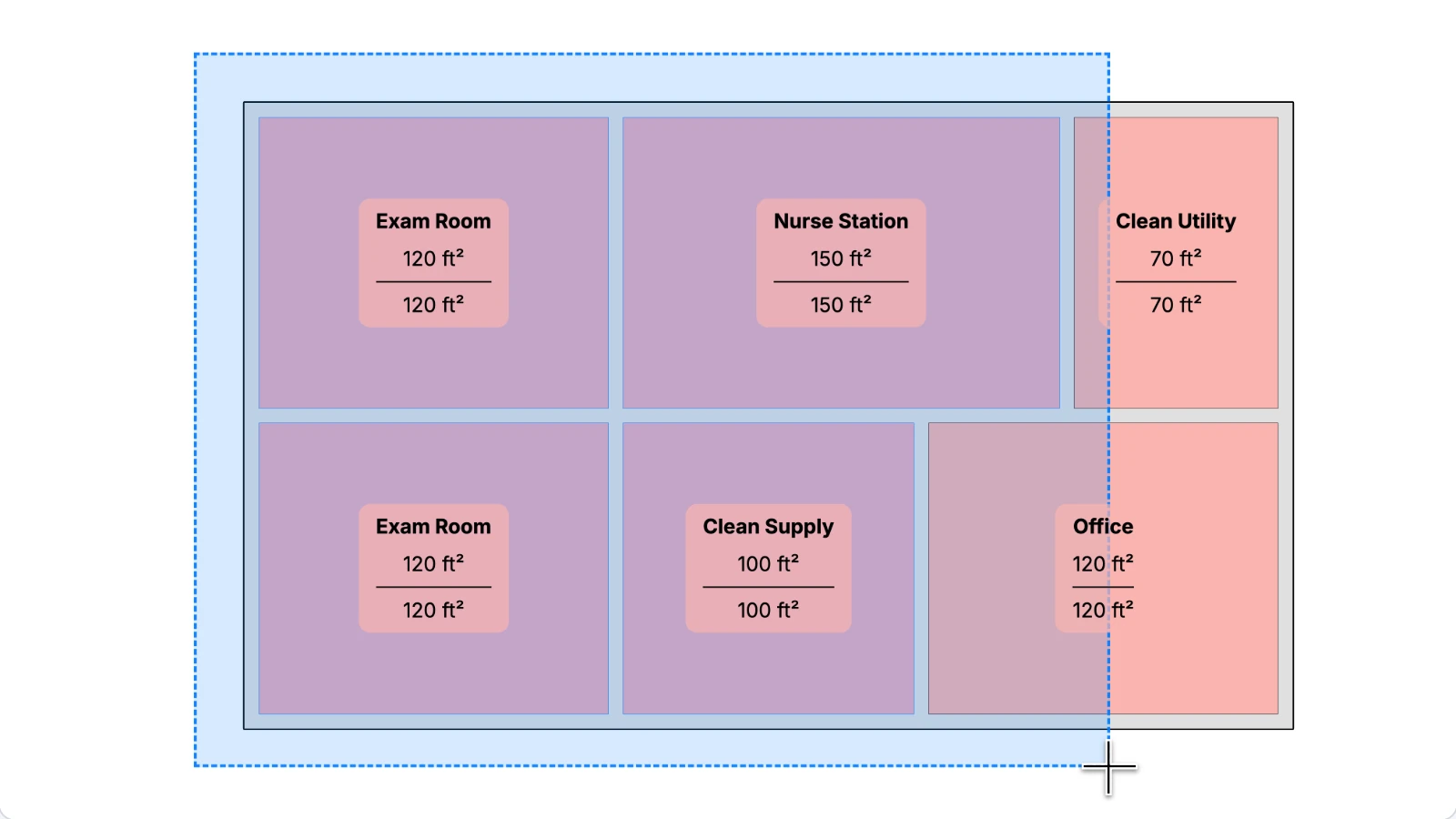
Grabbing a cluster of spaces at once? Even if a department has twenty spaces, now you can select the spaces in one drag, so you move and edit the group together.
Here’s how it works:
- Hold Shift
- Drag a window around your spaces
- Release to select the spaces inside
Get many spaces in one selection
- Drag left to also pick spaces the window touches
- Move or edit them together