Alt-Drag to Copy
Repeat spaces on levels and keep originals
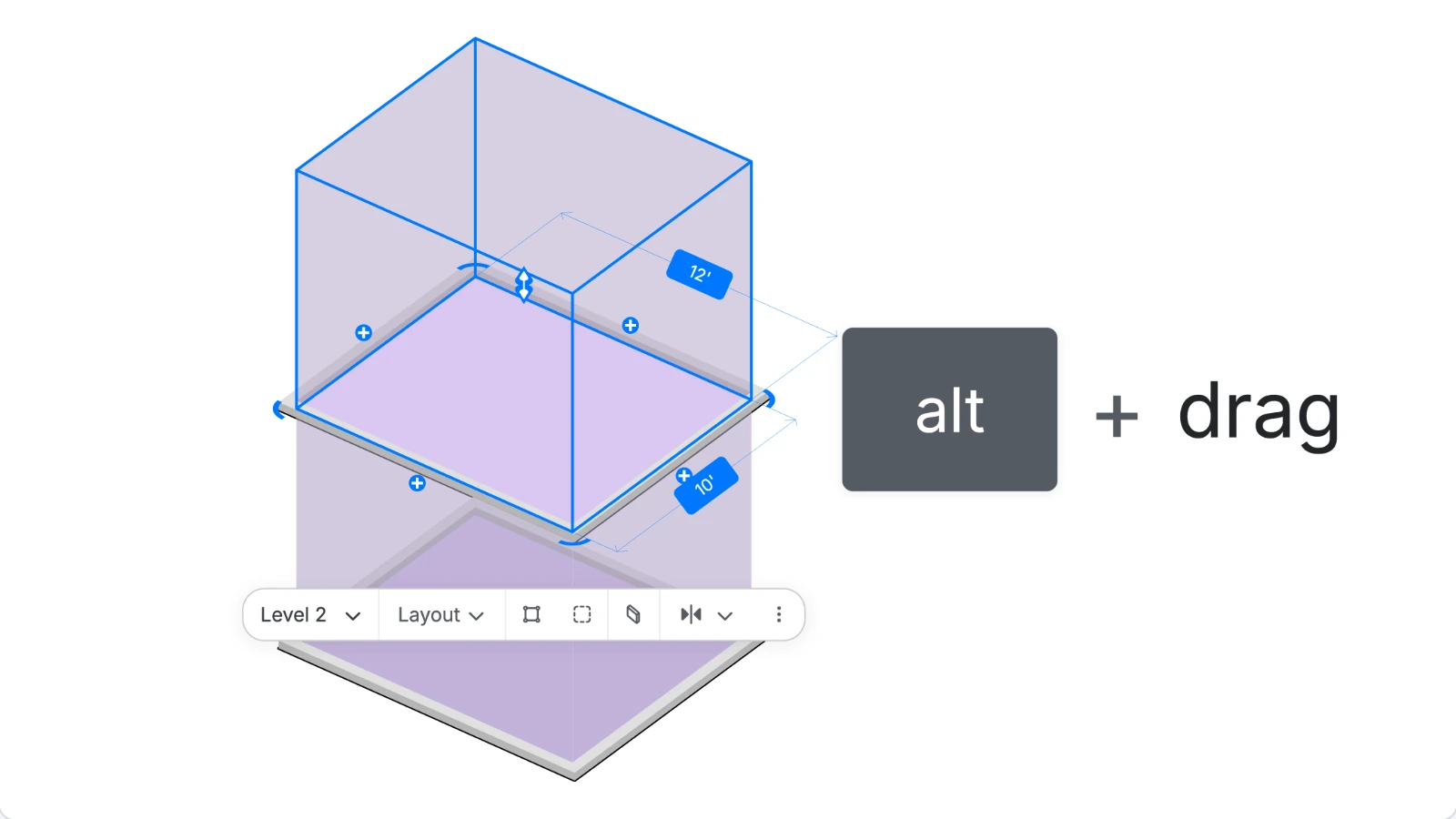
Repeating a layout on several floors? Even if eight floors share a layout, now you can Alt-drag a copy, so you show your client each floor.
Here’s how it works:
- Select a space on your canvas
- Hold Alt and drag the space
- Release to place the copy
Get a duplicate while the original stays
- Use Option on a Mac
- The original stays put