Move Spaces Directly
Select and move a space in one drag
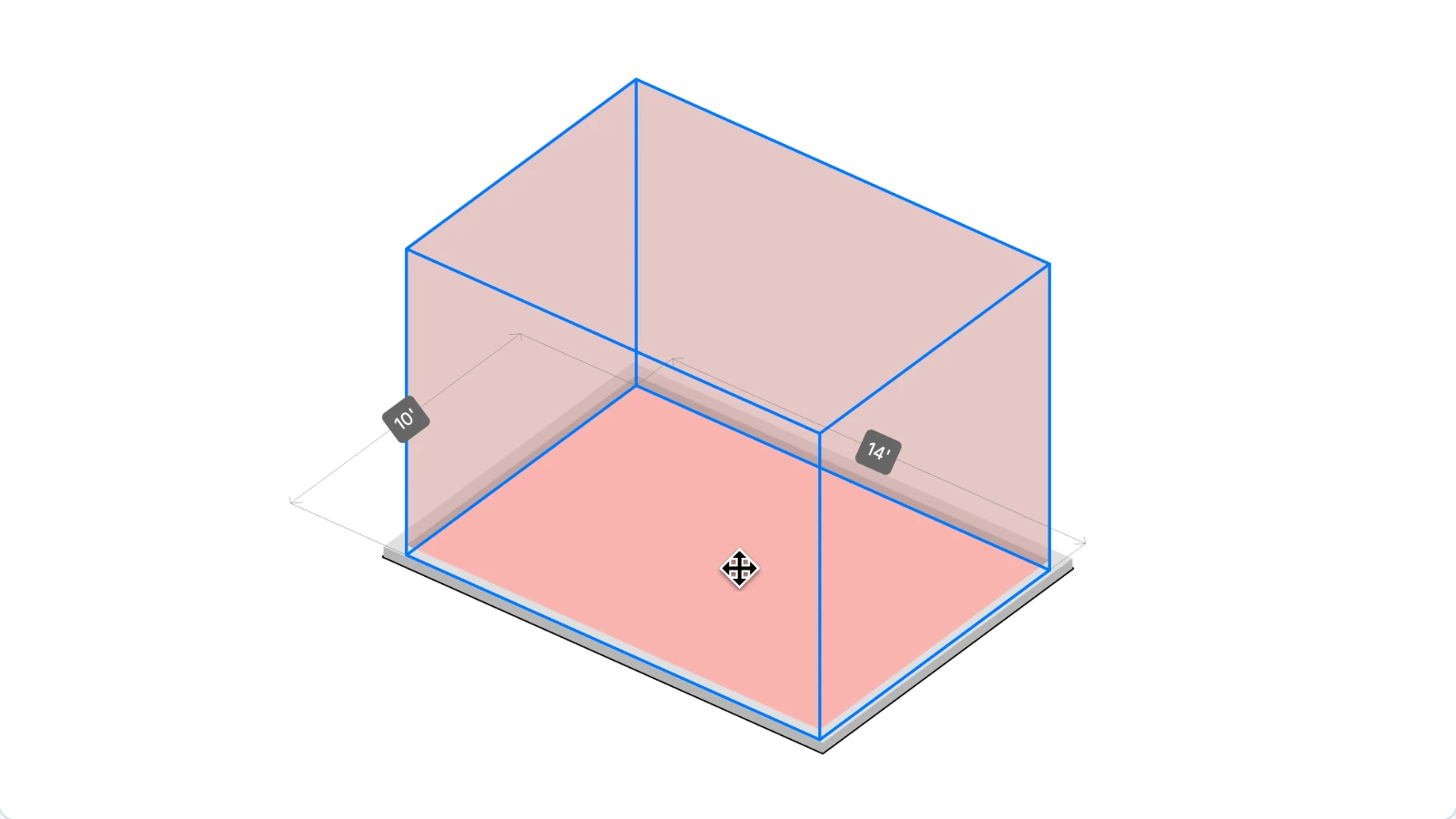
Rearranging spaces quickly during a working session? Even if your client edits live, now you can drag a space without selecting first, so you try more layouts in a session.
Here’s how it works:
- Press and hold a space
- Drag it to a new spot
- Release to place the space
Get spaces moved in one motion
- No separate move tool
- Faster rearranging during reviews