Mirror Spaces
Flip a layout to face the other way
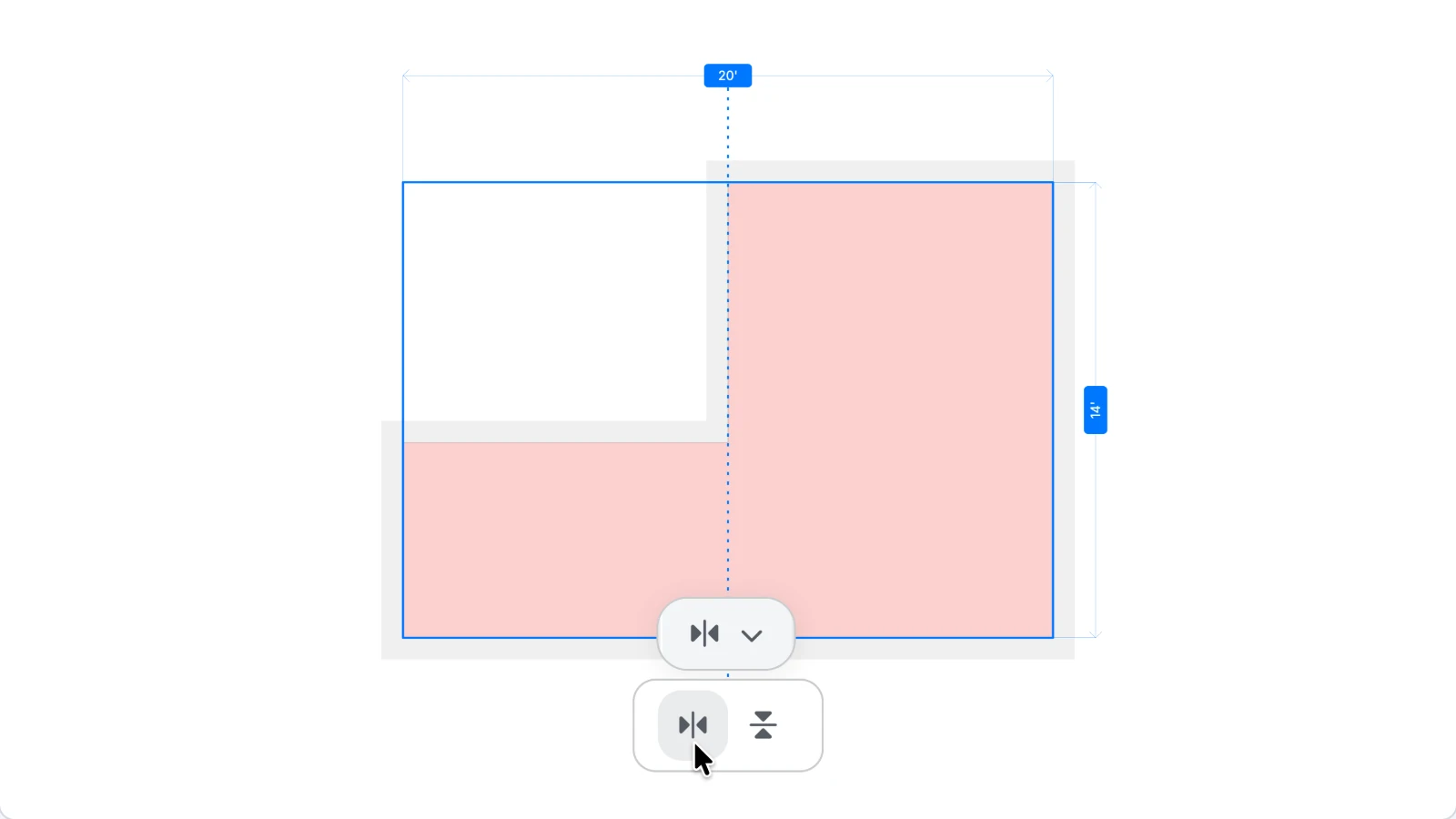
Flipping a layout to face the other way? Even if your client wants 12 matching exam spaces, now you can mirror the layout in one click, so your client sees both versions.
Here’s how it works:
- Select the layout to flip
- Hover a flip icon in Mirror Selected
- Click to flip your selection
Get a layout facing the other way
- Builds back-to-back pairs from one layout
- Some equipment can't flip yet