Edit Many at Once
Set one value across a selection
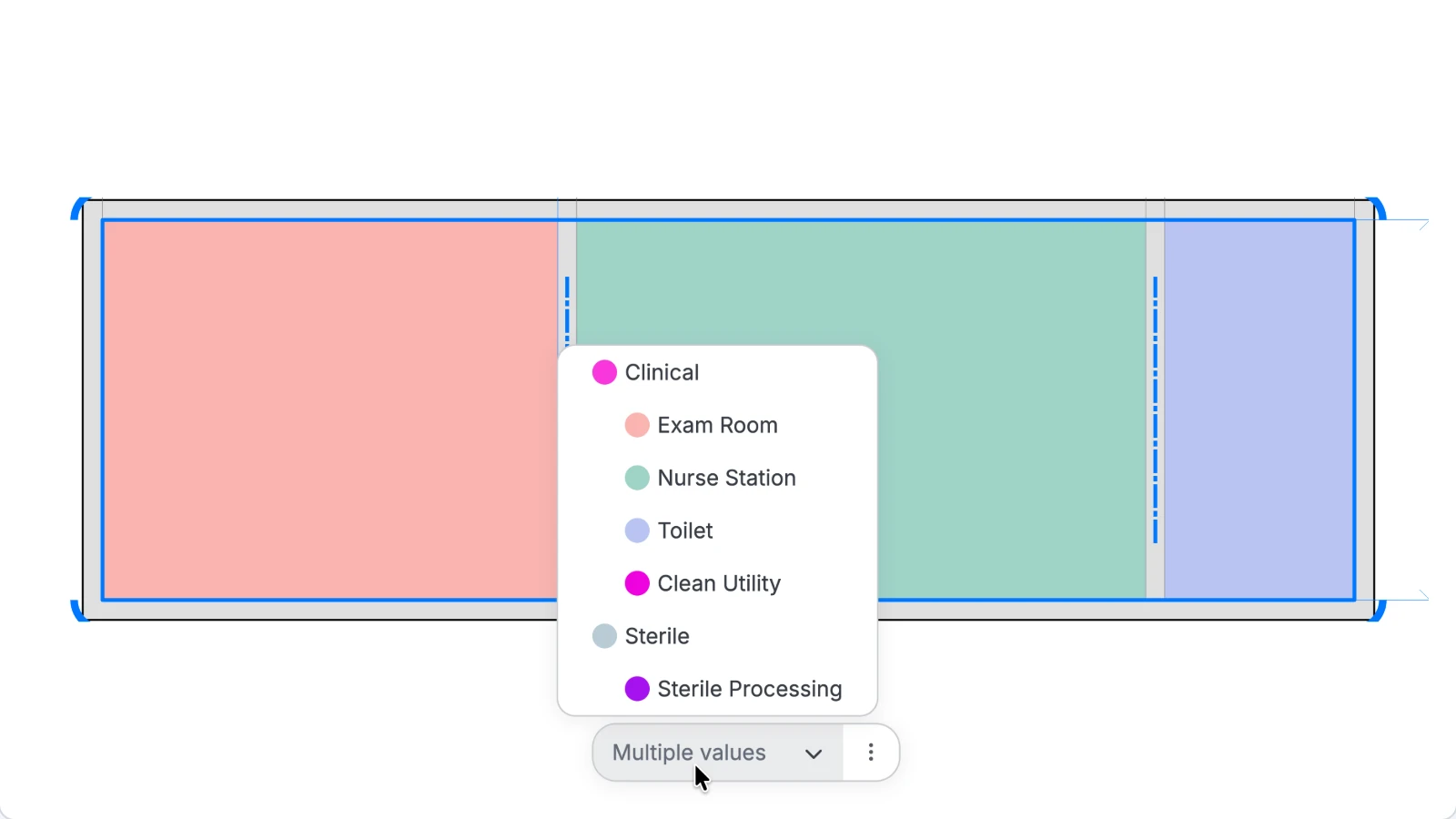
Changing a setting on many doors or spaces together? Even if your client wants twelve wider doors, now you can enter one value, so you make the client's change fast.
Here’s how it works:
- Select doors, spaces or furniture
- Find a field that reads Multiple values
- Type one value for the whole selection
Get matching values on each selected item
- Select doors and spaces together to see only the settings they share
- Look for Multiple values where your selected items differ