Use Keyboard and Mouse Shortcuts
Move and turn selections without a toolbar
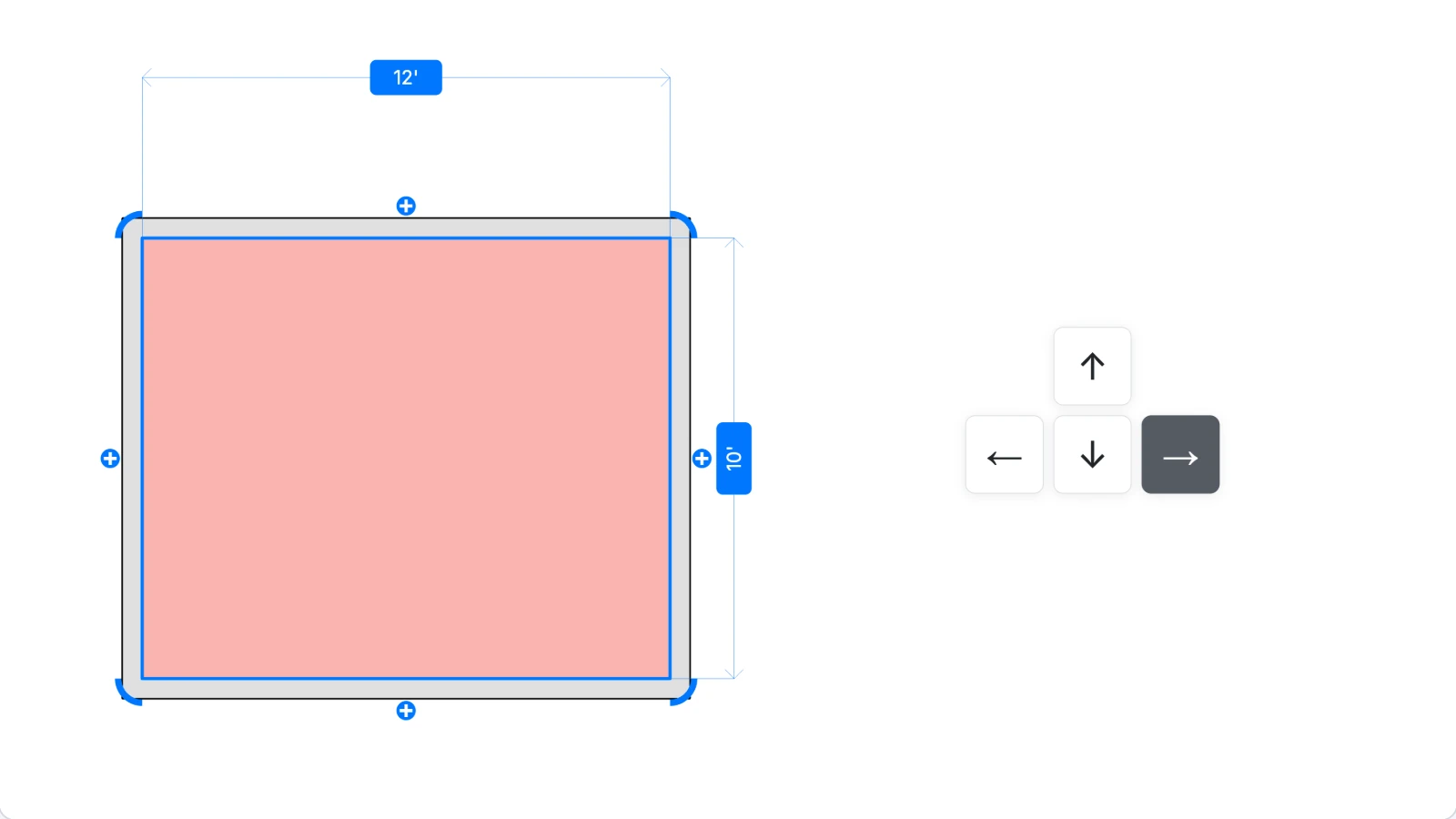
Lining up chairs and desks before a client sees your plan? Even if one chair sits crooked, now you can nudge or turn the chair from the keyboard, so your client sees clean alignment.
Here’s how it works:
- Press an arrow key to nudge a selection
- Press the space bar to turn furniture
- Drag the middle button to move your view
Get a precise adjustment without a toolbar
- Hold Shift with an arrow key to move farther
- Hold Shift and drag the middle button to rotate in 3D