Use Revit Mouse Controls
Pan, orbit in 3D, and zoom with standard Revit mouse controls
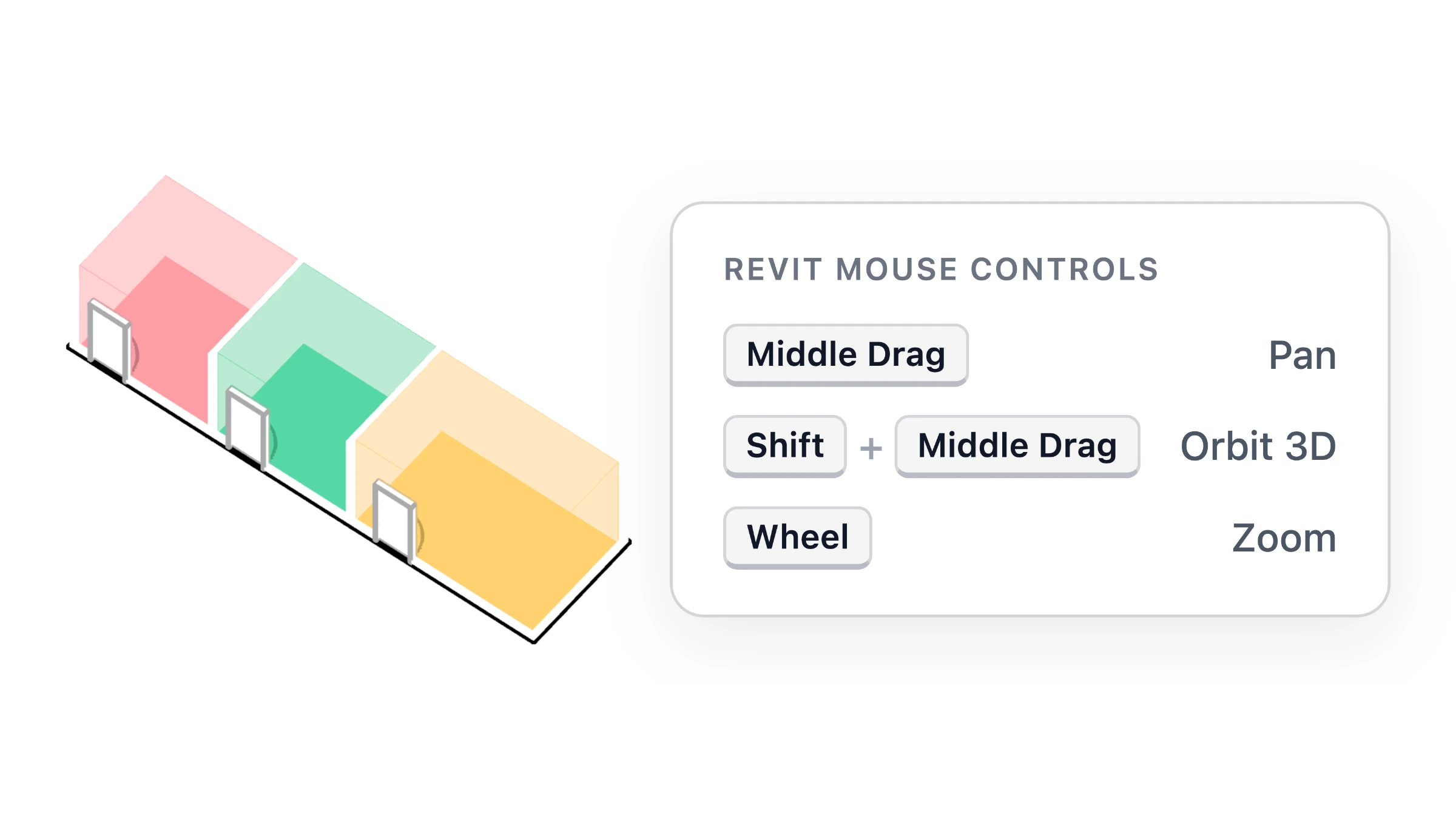
Moving around a large plan between edits? Even if your hands learned navigation in Revit, now you can use the same mouse buttons, so you move through your plan without relearning.
Here’s how it works:
- Drag the middle button to move your view
- Add Shift to rotate in 3D
- Scroll the wheel to zoom
Get around your plan with your Revit mouse habits
- Drag with the right button to move your view too
- Hold Shift and drag the right button to rotate in 3D